

Over 30,000 impressions per post is what you're leaving on the table if carousels aren't part of your Instagram strategy. And that's not all:
+ 10,000 accounts reached
+ 750 interactions per post
Top format alongside Reels in the Explore section
Not my words, this comes from an analysis of 39 million posts.
It makes sense. Carousels are the format that best combines the two things Instagram values most: keeping people on the platform and giving them something worth stopping for. A good story that makes you keep swiping does exactly that.
"Good story" is doing a lot of work in that sentence, because without a strong hook on the first slide there are no impressions, no interactions, and Instagram doesn't like it when your audience scrolls past in two seconds.
This week we've put together 7 carousel formats worth trying in your strategy. Some you'll recognize, some might surprise you. Either way, you've got homework 😉
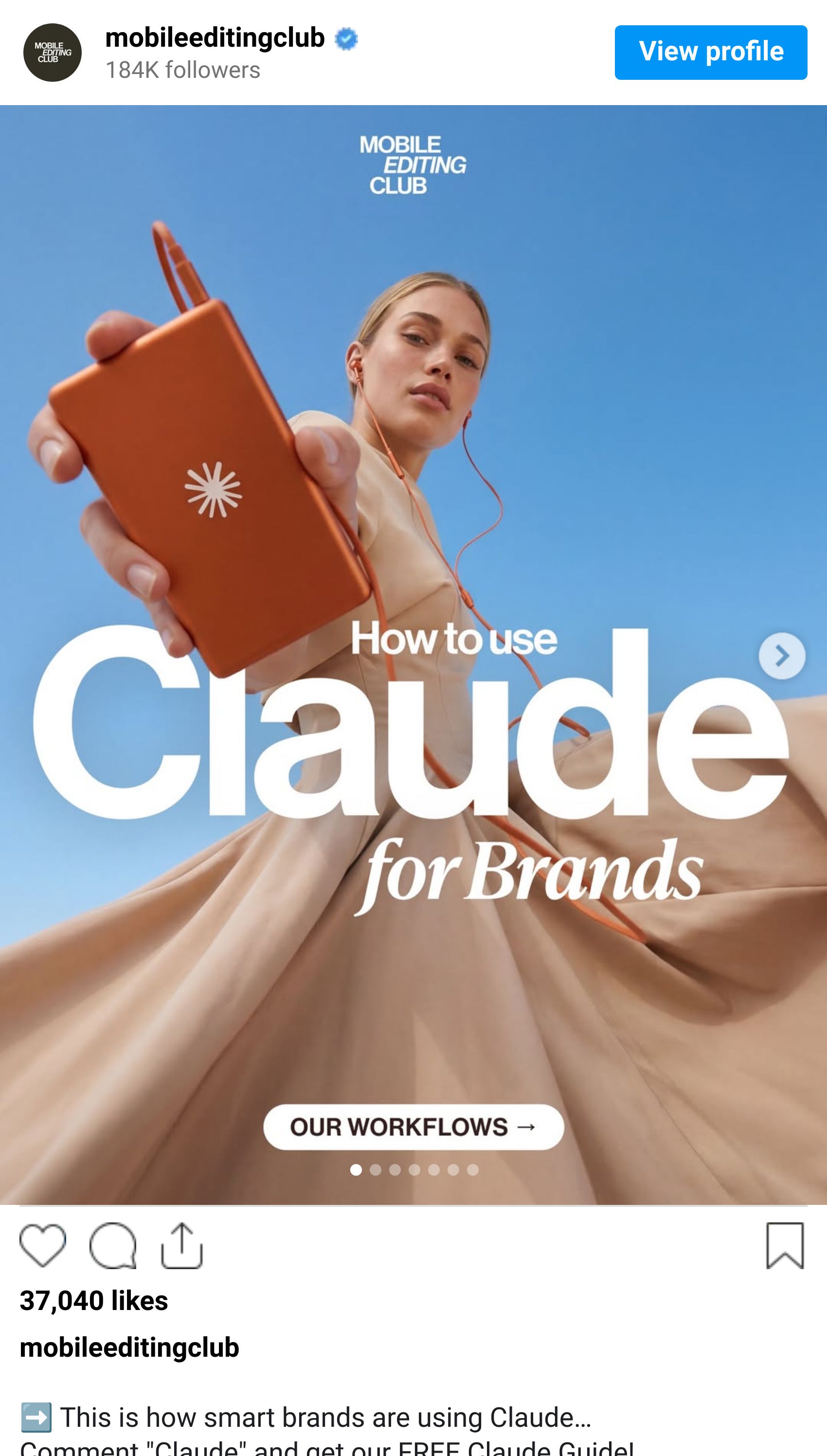
#1 How-to
The all-purpose carousel format. Perfect for explaining or teaching something step by step, like a visual guide.
It's direct from slide one: how to do...? No buildup and no mystery, the reader knows immediately what the post is about and what problem you're helping them solve.
Is a Reel better for this? Sometimes, but not always. The difference is control: a carousel moves at the reader's pace, they can swipe forward or go back. A video moves at yours.
#2 Pick a side
If I land on a carousel that starts with "7 reasons why the Lost finale was actually good," I'm staying. And I'm probably leaving a comment, and so is everyone who disagrees with me.
People love posts that spark debate, whether they agree or not. If they agree, it validates something they already think and they want to say so. If they don't, they'll scroll to the comments to see what everyone else thinks and make their case.
A CTA on the last slide, dropping the first comment yourself, or adding a poll is all you need to get the conversation going.

#3 A list of go-tos
The carousel formula that never fails: number + tool or topic + benefit. "3 techniques to save time every day." Clean, useful, and shareable.
Lists are easy to read and built for saves, people bookmark them to come back when they need the recommendation again. It's the format with the best ratio of effort to long-term reach.
Personally, I'm an easy target. Recipe step-by-steps, restaurant roundups, tools that make my job easier… I've saved more of these than I can count.

#4 This vs. That
The oldest trick in advertising, updated for Instagram. Showing a transformation is still one of the most effective ways to communicate what your product, brand, or service actually does, because it lets people see the difference instead of just reading about it.
You can spread the comparison across multiple slides and let the user swipe through, or put both sides on the same slide. Either works.

#5 Trends, news, and updates
Stop the presses 🗞️ Carousel as a news format has become one of the most popular content styles on the platform, and for good reason: it's easy to read, lets you mix text and visuals on each slide, and gives you up to 20 slides to tell the story.
Weekly trends, platform updates, and anything that's making waves in your industry; this format handles all of it.

#6 Photo dump
Not every carousel needs a narrative arc. Sometimes you just let the photos do the talking: users with your product, behind-the-scenes from a brand event, a collection of moments that don't need much explanation.
The trick here is to add some storytelling in the caption and let the images breathe.

#7 Make them play
Most people open social media to switch off for a bit. Lean into that.
Quizzes, "choose your adventure" formats, puzzles, polls; anything that makes someone stop scrolling and actually engage. It's also one of the most underused formats for talking about your product in a way that doesn't feel like you're talking about your product.

Tips for a carousel that works
You've got the ideas. Now it’s time to nail the execution:
The first slide is everything. If it doesn't hook, it’s like the rest of the carousel doesn't exist. Lead with intrigue, a direct question, or a clear promise of what they'll get if they keep swiping.
The second slide matters more than you think. Instagram shows your carousel a second time a few hours later, but starting from slide two. Make sure that slide works as a standalone, it's basically a second cover image and a free second shot at reach.
Mix images and video. You don't have to choose. A short video in the middle of a carousel adds rhythm and can communicate in seconds what three text slides can't.
Design is part of the message. Legible text, good-quality images, mobile-friendly format. If someone has to zoom in to read a slide, you've already lost them.
Measure what you post. Not to obsess over the numbers, but to understand which of these seven formats resonates most with your audience, which slides hold attention, and when it makes sense to publish. Without that data, you're guessing.
With Metricool you get reach, impressions, and interactions for every carousel in one place — and you can schedule them to go out when your audience is most active.
Want more newsletters about strategy?
SUBSCRIBE NOW
Join 60,000 marketing professionals and receive this newsletter in your inbox every week
THIS WEEK’S STORIES
Instagram now lets you reorder slides in a carousel after it's already been published.
YouTube launches YouTube Creator Partnerships, its new platform connecting creators and brands.
X adds simplified AI video generation from multiple images.
X is testing comment downvotes to improve algorithmic ranking.
You can now pause any Reel with a single tap.
YouTube is testing a video highlights preview feature to help people avoid being misled by thumbnails.
68% of small business owners across Australia, Canada, the UK, and the US say social media posting and paid ads will drive the most value for their business in 2026.
LEARN WITH METRICOOL
Drop the performance and build the strategy
LinkedIn stopped being a CV showcase a long time ago. It's now a platform where brands and professionals work their content to build real presence and acquire customers.
If you're already on LinkedIn but not sure what direction to take, LinkedIn Growth is a free 3-week course built around content, positioning, planning, and understanding the data behind your work.
Starts April 20.
PS
Being able to reorder carousel photos after publishing is genuinely big news for me. I'm indecisive, I never know which photo should go first, and now I can keep second-guessing myself after I've already posted. Which honestly feels right.
Do you agonize over the first slide or are you the kind of person who just picks one and moves on? 💛
EVERGREEN ESSENTIALS
Free template
Plan weeks of content in just one hour →
Marketing Calendar 2026
Over 200 key dates and celebrations so you never run out of content ideas again →
Social Media Study 2026
We analyzed 39 million posts to uncover the trends and formats that truly perform →
Learn Metricool
Mega guide to discover and master every Metricool feature →
ENJOYED THIS EMAIL?
If you’ve made it all the way to the bottom of this email, first, you're the best. Second, I’d love to hear your feedback so I can keep making these emails as valuable (and enjoyable) as possible:
😍 Loved it - 👍 Pretty good - 🤔 It was okay - ☹️ I didn’t like it