

On TikTok, 96% of your content's impressions happen in the first 10 days.
On Instagram, 65% within 3 days.
On LinkedIn, half your reach is gone within 48 hours.
By the time most posts hit their first week, they're essentially done.
Pinterest runs on a completely different clock. According to cross-platform research published on ResearchGate, a Pinterest pin's half-life is around 4 months.
Not hours… months.
The same content that would be invisible on any other platform continues to accumulate views, saves, and clicks months after being published.
That behaviour is closer to a search engine than a social media platform. And it fits something bigger that's been building across the industry: slow social.
As people push back against overstimulating feeds and the pressure to keep up with every trend, platforms built around intentional consumption are growing in popularity. Pinterest sits at the centre of this shift, a place where someone goes to look something up, go down a rabbit hole, research a topic, or find ideas without being pulled in six directions at once.
One of us, one of us…

We all know someone who posts without looking at their metrics, still uses #fyp thinking it works, or publishes "whenever" and "whatever." Forward them this email. It's a love language.
Which changes how you should approach it:
Write for search, not the scroll. A Pinterest caption is closer to a blog paragraph than an Instagram hook. Use natural, keyword-rich language that reflects what someone might actually type into a search bar, because that's how pins get discovered months from now.
Don't abandon your old content. On every other platform, your archive is history. On Pinterest, it's still your best-performing content. A well-optimized pin from two years ago is compounding saves and impressions right now, probably without you noticing.
Plan for evergreen first, then layer in seasonal. Tutorials, guides, how-tos, step-by-step comparisons — content that answers a persistent question keeps driving traffic long after a trending post has disappeared. And when you do go seasonal, go early: people plan ahead on Pinterest, which means fall content is already being searched while summer is still happening.
+376% in saves and +165% in outbound clicks
Chiara Celani, a marketing strategist who manages Pinterest for creative businesses, grew her clients' saves by 376% and outbound clicks by 165% over three months. And what made the difference was showing up consistently with the right content.
This is how she did it:
What made the difference was going from sporadic posts to publishing regularly. And this CSV template played a central role in this new strategy. Just add captions, images, and publishing date, export, upload to Metricool, and bam, weeks of content laid out in your planner without spending hours copying and pasting.
One click and the template is yours 👇
A few tips to get started:
The lowest-effort starting point is your existing content. Go through what's already performed well on other platforms and find the posts that explained something, solved a problem, or answered a question that doesn't expire. Those are your Pinterest candidates. Metricool Advanced Reporting can help with this or you can also do it from Claude and ChatGPT if you connect to Metricool via MCP.
Repurpose the visual if it's already vertical or portrait format. If it's square or landscape, it'll need a quick reformat to Pinterest's 2:3 ratio. For video, the main adjustments are removing the platform watermark before uploading (Pinterest's algorithm suppresses watermarked content) and adding captions, since video plays muted by default. Beyond that, the content itself can largely stay the same.
What you do need to rewrite is the caption. Longer, keyword-rich, written for search rather than for the feed. That's the main creative effort, and it's what makes the difference between a pin that gets a handful of views and one that keeps driving traffic a year from now.
Step-by-step guide to get started with Pinterest:

THIS WEEK’S STORIES
Multiple captions on Instagram carousels
New to Edits: audience insights, compare your reels, and Olivia Rodrigo custom font
LinkedIn adds GIF support
Pinterest launches AI-powered ad and shopping tools
FIRST TIME READING?
Subscribe now to get this email every week in your inbox. A B C, it's easy as 1 2 3, as simple as do re mi…
SHARE-WORTHY CONTENT IDEAS
We’ve seen it in our latest study: shares are the interaction that has grown the most on Instagram over the last year, by far. Between 36% and 132%, depending on the account size. People are sharing more than ever, and the platform is taking this signal into account more than ever.
Here are 5 types of content that tap into the reasons people share:
Something you learn from
Stats, industry data, counterintuitive takes, step-by-step breakdowns, "things I wish I knew" — content that makes someone feel smarter after seeing it.
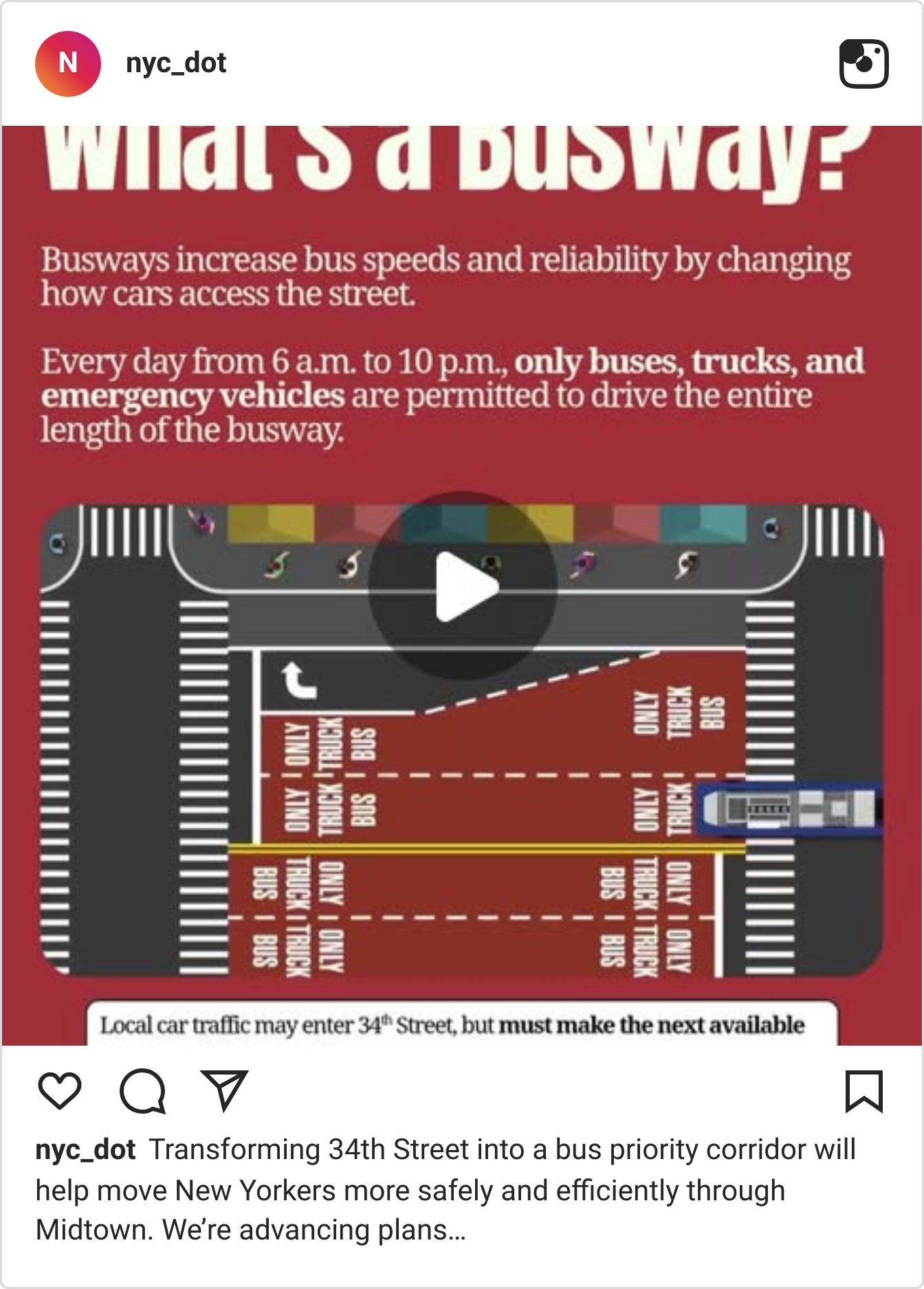
Transforming NYC’s 34th Street
How much was Portishead's 1997 Roseland rig actually worth?
Run your car's gauges on a PSP
What’s working on Instagram in 2026?
Something extraordinary
An inside look into something genuinely extraordinary that most people don’t have access to.
Designer explains product creationprocess

Something relatable
An experience many can relate to, a frustration, an inside joke, a "this is exactly my Monday morning" moment.
When there's freshly cut fruit

When your friend wants to use your $50 soap
Something fun
Unexpected, surprising, or genuinely entertaining. Doesn't have to be a joke, it can be a satisfying process video, a clever format twist, or something that just makes people smile.
Adding googly eyes to an excavator

Dramatic pizza making performance
Something to save for the future
Content with a long shelf life that someone will want to find again later. Travel spots, roundups, templates, or checklists.
Reasons to go to a dinner

51 years of Loewe bags
More Instagram
In this video, we turn our data from 24 million posts into tips on how to make the most of Instagram’s three main formats: Reels, Stories and carousels.
7 minutes absolutely packed with ideas you can try right now:

WEBINAR
Monthly reports in minutes, not hours

Building your monthly reports can take hours. Hours you often don't have.
In the Advanced Reporting masterclass, we leave behind the five analytics tabs, the random AI conversation trying to figure out what to write, and the open-post marathon collecting data one by one.
We'll show you how to make sense of it all using three Metricool tools: Metricool Studio, Campaign Dashboards, and the Claude and ChatGPT integration with Metricool.
Plus, three real live case studies:
Competitor benchmarking on Instagram
Black Friday campaign report with organic and paid data
Creating a carousel based on your best-performing posts
ONE TOOL, EVERY CLIENT
Running an agency means managing all of it at once.
Every client. Both teams. Their content, their ads, their inbox, their report at the end of the month.
Here's how Metricool handles the whole thing:
Adding a client: one brand, one space, five roles
Planning content: from the analytics to the approved post
Ads: Meta, Google, and TikTok in one dashboard
Inbox: every comment and DM, every client, one place
Reporting: automated, branded, and ready before they ask
Want to see it in action? Click Play.

PS
Florence is a French photographer who doesn’t have an accreditation to shoot the World Cup matches, but that hasn’t stopped her from taking some of the most exciting images of the tournament. She created some really interesting and artistic pictures by shooting directly at her TV.
Next time you think that you need a better camera or a bigger budget to create great content, think about Florence.
EVERGREEN ESSENTIALS
Free template
Plan weeks of content in just one hour →
Marketing Calendar 2026
Over 200 key dates and celebrations so you never run out of content ideas again →
Learn Metricool
Mega guide to discover and master every Metricool feature →
ENJOYED THIS EMAIL?
If you’ve made it all the way to the bottom of this email, first, you're the best. Second, I’d love to hear your feedback so I can keep making these emails as valuable (and enjoyable) as possible:
😍 Loved it - 👍 Pretty good - 🤔 It was okay - ☹️ I didn’t like it